
Current PDF
COB Strip Light Catalog
The current Wismart COB Series 2026 catalog covers low-voltage, ultra-narrow, free-cut, CCT, RGB/RGBW, and single-color COB selection.
Download the current COB, Silicone / Neon, or SMD catalog, then use the family pages to narrow model, sample, and quote requirements.
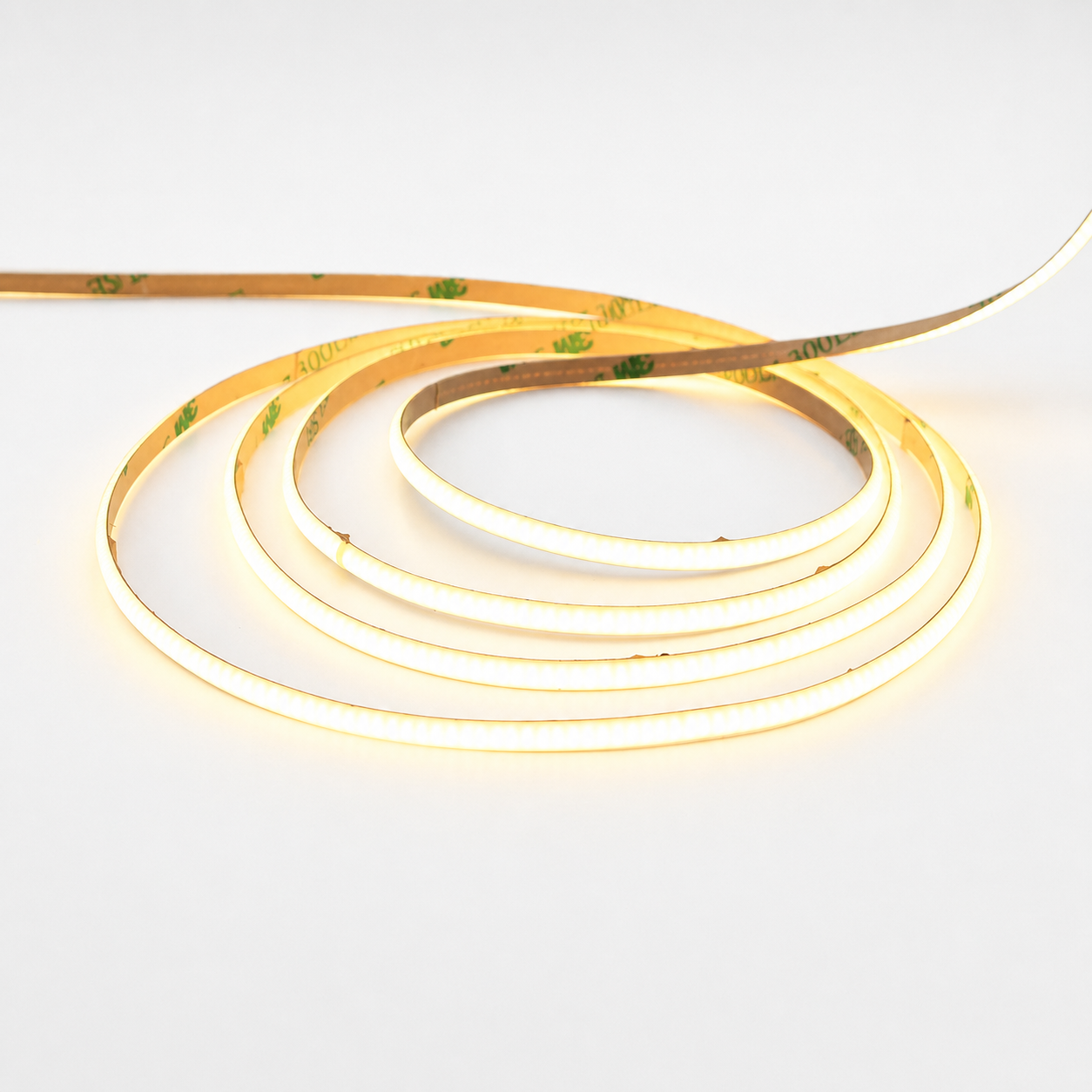
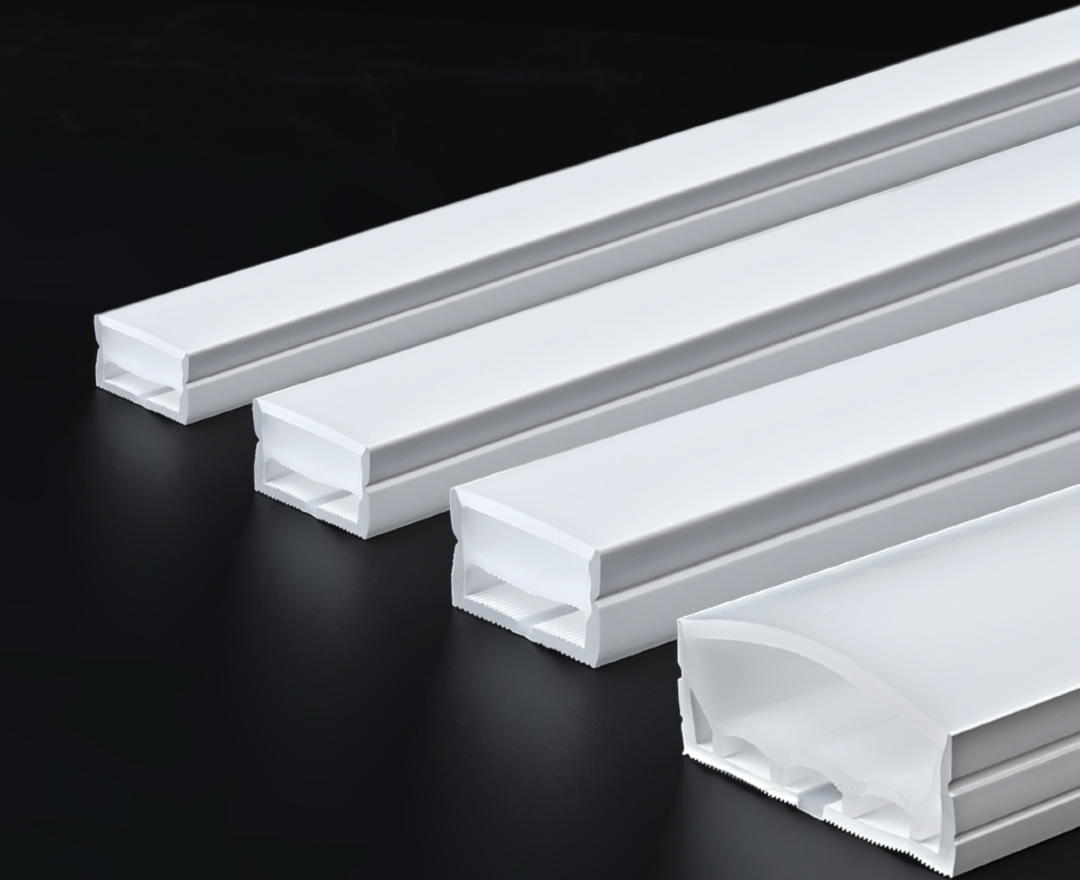
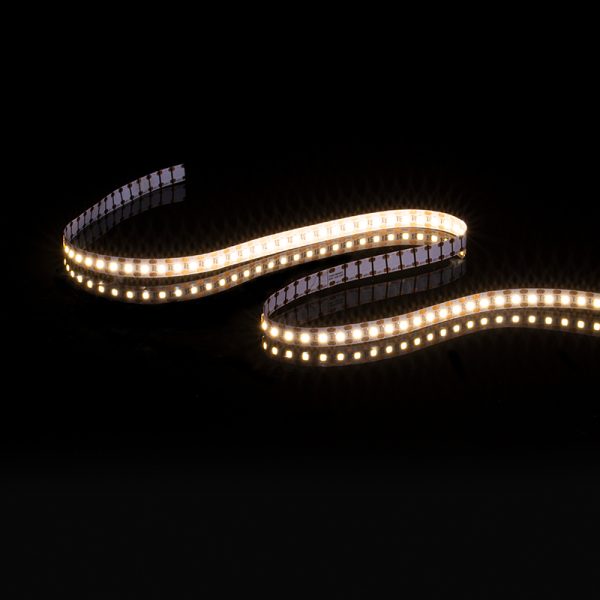
Use these PDFs for early family selection, WeChat sharing, and sample discussions.
The current Wismart COB Series 2026 catalog covers low-voltage, ultra-narrow, free-cut, CCT, RGB/RGBW, and single-color COB selection.
The Wismart Silicone Neon Series 2026 catalog covers side-lit, top-lit, tube, circular, flanged, 3-sided, and specialty silicone profile directions.
The current SMD catalog summarizes Wismart's 11 SMD families and 55 model options for buyer meetings and sample discussions.
The PDF is useful for first review. Product pages and the contact form help turn that review into a specific quote path.
Download the current COB, Silicone / Neon, and SMD PDFs to review product families, model options, and quotation discussion points.
Start with the product family, then confirm voltage, LEDs/m, CCT or color type, IP level, reel length, sample needs, and OEM packaging.
After the buyer chooses a likely COB, Silicone / Neon, or SMD family, send the project brief so the exact model, sample plan, and packaging details can be confirmed.
The catalog is the first filter. The next step should be quotation, file support, family selection, or product comparison.
Send the selected family, quantity, voltage, color direction, IP target, and target market so the quotation starts from the right product direction.
Request QuoteUse the contact form when the catalog is enough to identify the family but the buyer still needs model files or sample planning.
Request DatasheetMove to support when the buyer only knows the scene, installation condition, or expected effect but not the exact family.
View Support FlowUse the product hub to compare COB, SMD, Neon Flex, and Silicone before selecting the right catalog or quote path.
View ProductsSend the application and target specs. The team can match the right COB, Silicone / Neon, or SMD family before sample or quote discussion tightens.